How to Send a Video on WhatsApp: Chat, Group or Status
To send a video on WhatsApp from your iPhone, tap "Share" on your vidmi video, pick WhatsApp, then choose a chat or a family group. To post it to Status, save it to Photos first.
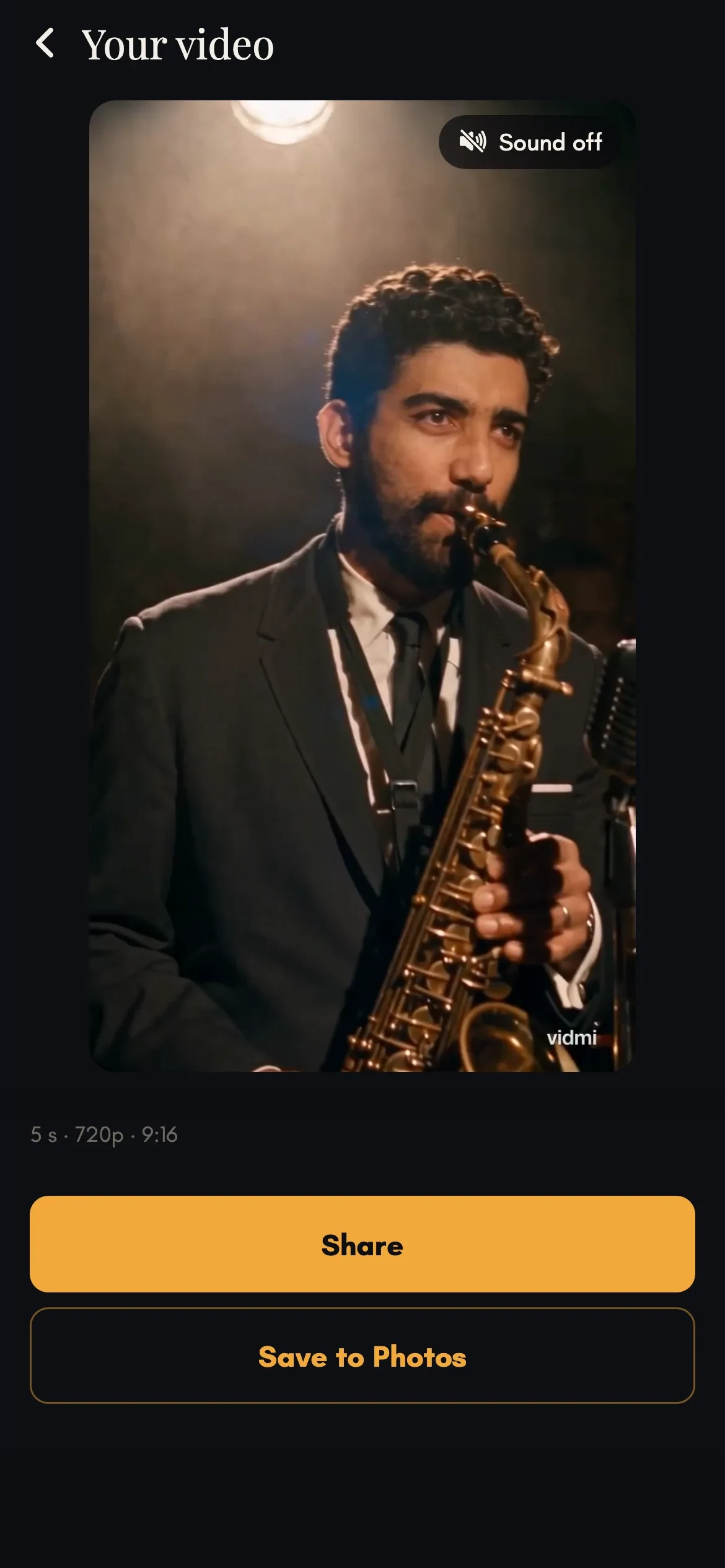
If your family’s group chat is on WhatsApp, that is where a video of grandpa can go. You send it from the share sheet or from your camera roll, to one chat, a whole group or your Status. vidmi does not send it for you: you pick the chat in WhatsApp.
Send it in three taps
- On the “Your video” screen, tap “Share”.
- Pick WhatsApp from the share sheet.
- Choose a chat or a group, then tap send.
The video goes out as an ordinary video file, so people in the chat can watch it in WhatsApp on their own phones.
If WhatsApp is not in the share sheet, tap “Save to Photos” first. Then open the chat in WhatsApp, tap the plus button, choose the option for your photos and videos, and pick your video.
Look for the HD option
WhatsApp can compress videos to keep chats fast, and compressed video can lose fine detail.
On the preview screen before you send, look for an HD option and tap it if you see one. The file is larger, and what WhatsApp keeps is up to WhatsApp, so watch the video once after it arrives. Another route to try is the Document option in the attachment menu, which sends a file rather than a video. Save the video to Files from the share sheet first.
Either way there is more to keep if the video starts at 720p or 1080p rather than 480p. Choosing a resolution walks through the trade-off, and Send a video without losing quality has the other routes.
Chat or Status
A chat is for the people in the video, or the people close to them. Send the Grandpa at the Front video to the cousins who know his stories. Send the Field at Dusk video to the aunt who has his farm photos.
Status lasts a day, and the contacts you allow can see it. It suits a video starring you: a Paris café terrace, a walk on the Moon. Keep the “9:16 Stories, Reels, TikTok” shape, the vertical default, and it fits a phone screen top to bottom.
To post to Status, open WhatsApp, go to the Updates tab, tap the camera icon, and pick the video from your photo library.
Family group etiquette
A video of a grandparent can mean different things to different people. A few habits keep it a happy moment.
- Show one person first. Send it to the person closest to the photo, often a parent, before the whole group sees it.
- Say what it is. One line helps: “I made this from Grandpa’s 1950s photo.” Some relatives may not realize it is a new video made from a photo.
- Keep the sound in mind. The video may play with sound when someone opens it. If the scene has voices, play it once yourself before you send.
- One video, not ten. Pick your favorite. One video is easier on a group chat than a stream of attempts.
Only use photos you have the right to use. When the video is about someone who has passed, let the family decide how widely it travels.
Before you send
- Make it at 720p or 1080p, then look for HD in WhatsApp.
- Keep the 9:16 shape so the video fits the screen in Status.
- Save it to Photos too, so you can send it again without making it twice.
Prefer Messages for your family? See sending through text on iPhone. Posting for relatives on Facebook instead? Try posting a video on Facebook. For everything the “Share” button can do, see sharing your video, and for more ideas for parents and grandparents, see vidmi for families.
Questions
Why does my video look softer on WhatsApp than on my phone?
WhatsApp can shrink videos to keep chats fast. Look for the HD option on the preview screen when you send. Making the video at 720p or 1080p gives it more to work with, but what WhatsApp keeps is up to WhatsApp.
Can I post my video to WhatsApp Status?
Yes. A vertical 9:16 video suits the Status screen, and every vidmi video is 3 to 10 seconds, short enough to post in one piece.
Does my family need vidmi to watch it?
No. They receive a regular video file and watch it right inside WhatsApp, on any phone.