Holiday AI Videos Starring Someone You Love
An AI holiday video here is a 3 to 10 second film starring one face, made from one photo on your iPhone and free to try. Find your date below, make the film and send it to the family.
One short film for each date that matters
You start from a single photo of one person and either a ready-made scene or a sentence you write. The film carries no written greeting: the words go in the message you send with it, the way a card has a note inside. The photo to video page covers the basics.
Every page below says who to cast, which scene fits and what to type into “Describe your scene”.
The fall and winter holidays
In calendar order from late October:
- Halloween, October 31: your face in a spooky scene, sent before the first doorbell.
- Veterans Day, November 11: a short film of the veteran in your family, to show them on your phone.
- Thanksgiving, the fourth Thursday of November: one person at the table gets a film to play before the plates go around.
- Hanukkah, eight nights, usually in December, on dates that move each year: a candlelit film for any night.
- Christmas, December 25: a film for the family group chat.
- New Year’s Eve, December 31: a midnight post.
Then Valentine’s Day and the spring and summer dates. The month-by-month calendar lists the next twelve months in order. For sentences to copy, see the holiday AI video prompts, or browse all scene ideas.
How to send it to the family
A holiday film is made to be sent. Tap “Share” to open the iPhone share sheet and pick a group chat, or tap “Save to Photos” to keep a copy in your camera roll.
Videos are 9:16 by default. Under “Shape” you can pick “16:9 YouTube, TV” if the film is headed for the television after dinner, or “1:1 Feed” for a square post.
One face per film, so a family is a set
Each film starts from one photo of one face, so a family is a set of films, one per person, sent together or across a week. Use photos you have the right to use.
17 ideas.
All occasions- ChristmasMake an AI Christmas video from one photo: Grandma in a snowy village or Dad in a toy workshop, a short film to send the family this December.Christmas
- Christmas elfAn AI elf video generator on your iPhone: turn one photo into a short Christmas scene with your face on a workshop elf. One face per video.Christmas elf
- DiwaliMake a happy Diwali video starring one face from one photo: diyas, rangoli and fireworks in a short clip to send the family. On iPhone, free to try.Diwali
- Father's DayMake a happy Father's Day video from one photo of Dad: a Viking longship or a Wild West main street, a short film where he is the hero.
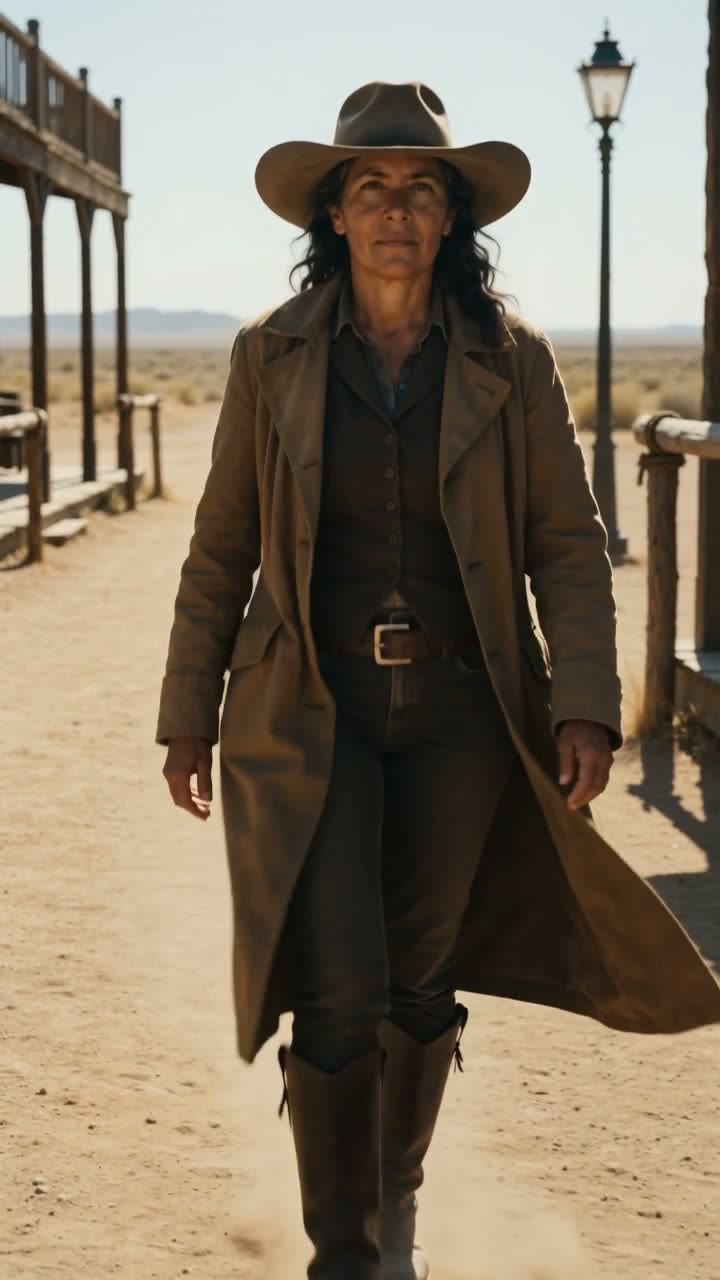
- Fourth of JulyMake a 4th of July video from one photo: a hometown parade, a porch or fireworks over the lake, a short film for the cookout group chat.Fourth of July
- Game day partyGame day party ideas for the big game: turn one photo of your host or league champion into a short stadium film to play on the TV at halftime.Game day party
- Grandparents DayMake a Grandparents Day video from one old photo: ask a question, write the scene they describe and show them a short film with their younger face.
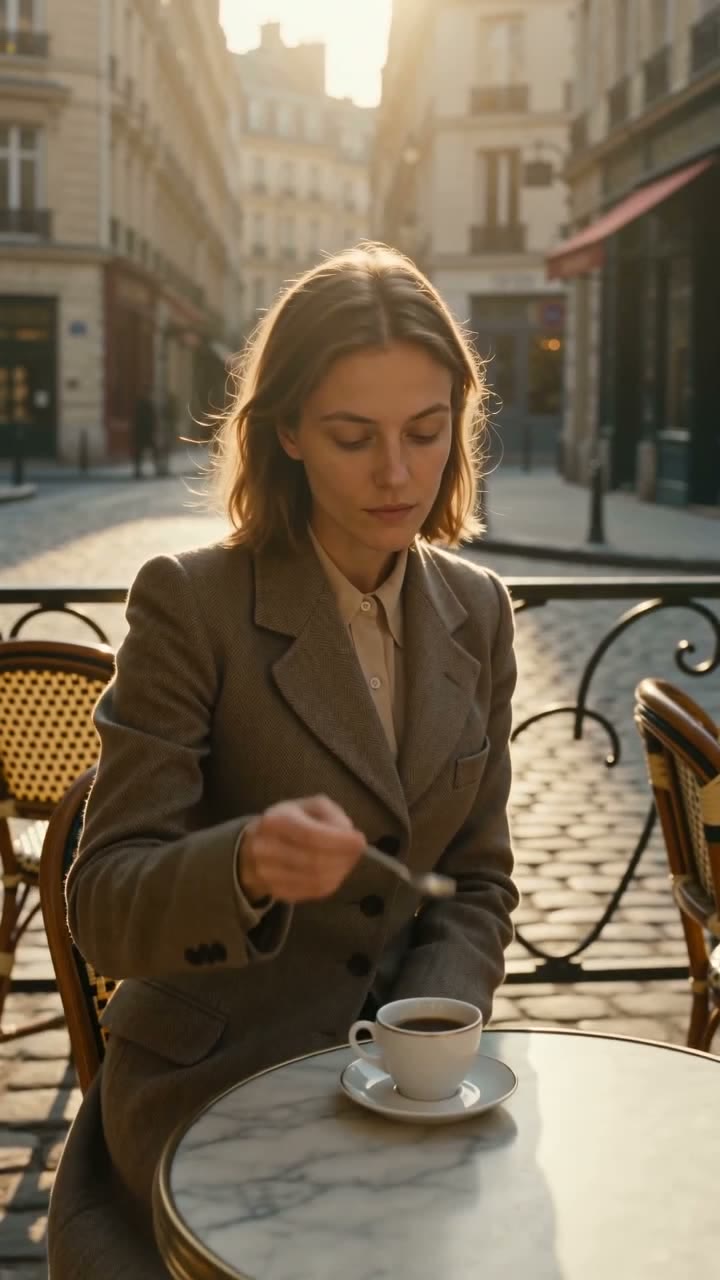
- HalloweenMake a Halloween AI video from one photo: a vampire count, a lighthouse keeper or a zombie survivor with your face, ready to post before the party.
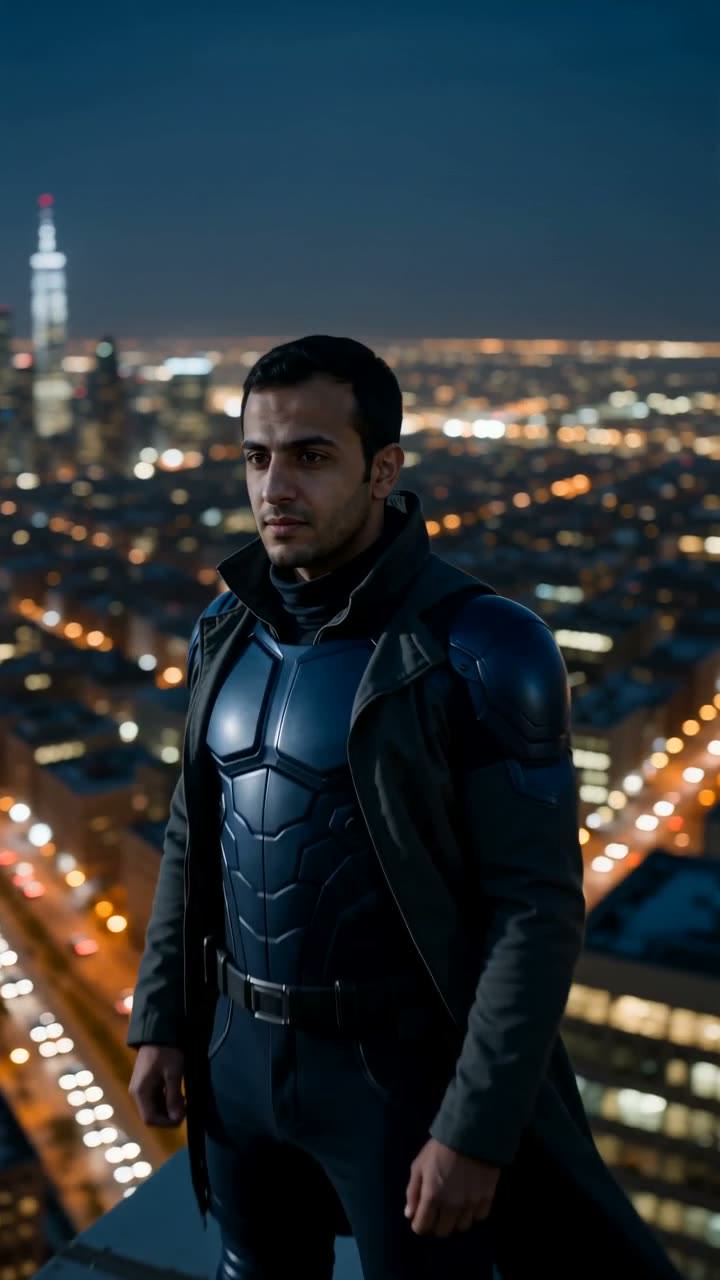
- HanukkahSend a happy Hanukkah video made from one photo: a short candlelit scene starring someone the family loves, for any of the eight nights.Hanukkah
- Memorial DayA Memorial Day tribute video from one photo of the family member you lost in service: a short, quiet scene to watch together and keep close.
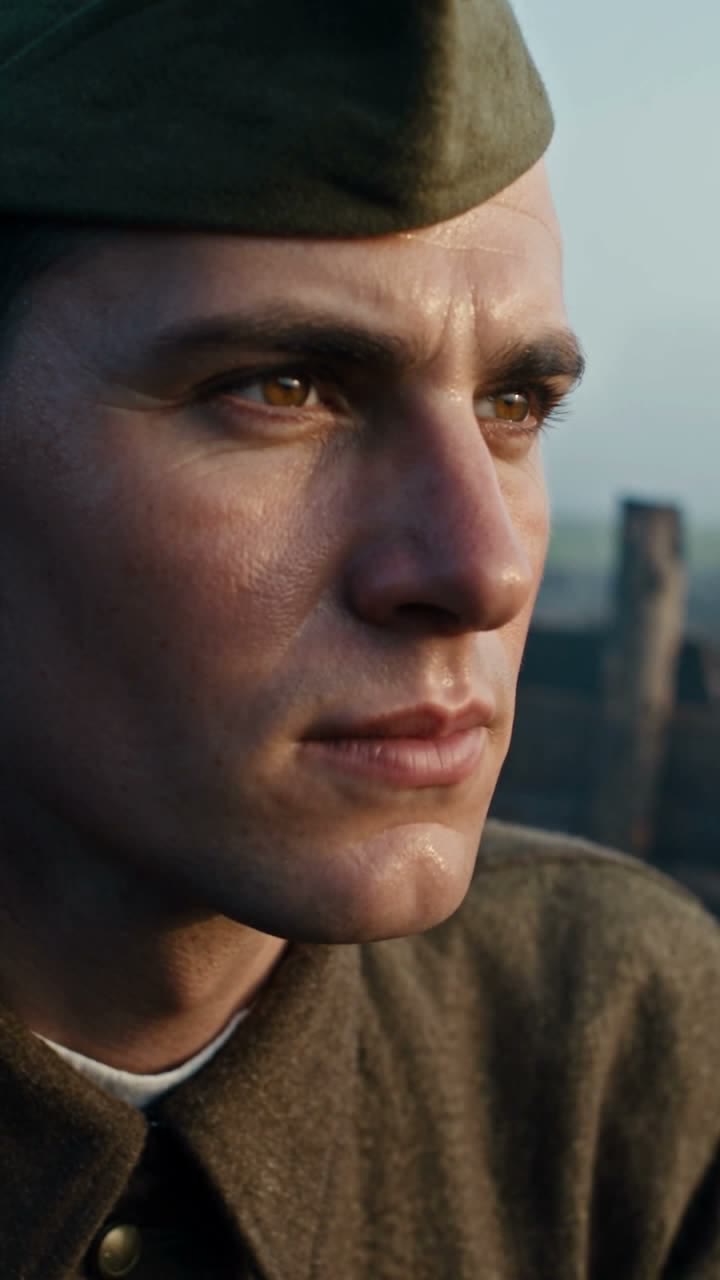
- Mother's DayMake a happy Mother's Day video from one photo of Mom: a Paris café, a golden field or the Moon, a short film where she is the star.
- New Year's EveMake a happy New Year video from one photo: a rooftop with fireworks or a 1920s ballroom countdown, ready for your story when the clock hits midnight.
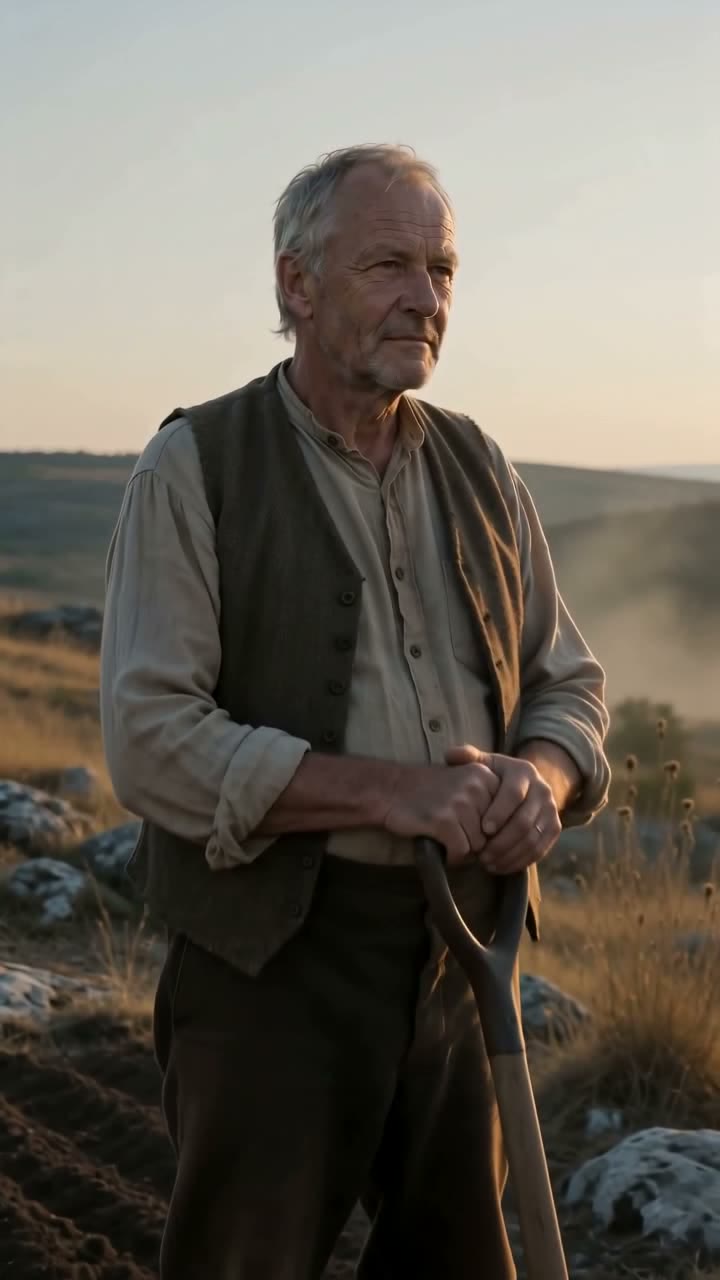
- Remembrance DayMake a quiet Remembrance Day video from one portrait of a relative who served: a new short scene starring that face, to share with family on 11 November.
- St. Patrick's DayMake a St. Patrick's Day video from one photo: green hills, sea cliffs and a fiddle by the fire, a short film with your face for March 17.St. Patrick's Day
- ThanksgivingMake a happy Thanksgiving video from one photo: a short film starring the cook, the storyteller or Grandpa, to play before dinner or send to family.
- Valentine's DayMake a happy Valentine's Day video from one photo of your partner: 1920s Paris or a smoky jazz bar, a short film to send on February 14.
- Veterans DayMake a Veterans Day tribute video from one photo of the veteran in your family: a short, respectful scene to show them or send on November 11.Veterans Day
One photo. Any scene. Your film.
Coming soon to iPhone: add one photo and pick a scene. Free to try, no account needed.
For iPhone.