AI Video for Creators and Small Businesses
Social media video ideas that star you: a short video of the person behind the account, made from one photo on your iPhone. Pick your line of work below.
One kind of post: you as the star
vidmi makes one kind of post: a 3 to 10 second scene starring the face in one photo. That suits the posts where you are the point. Take a selfie, pick a ready-made scene such as “Rooftop Hero” or describe your own in a sentence, and the AI video generator in the app makes a short film with you in it. No sign-up, and it is free to try.
It does not make product shots, put a logo or words on the screen, write captions, or have a presenter read your script. It cannot edit footage you upload. Every video carries a small vidmi mark in the bottom-right corner.
Think of it as the post where you are the character: the owner in 1920s Paris, the host on a rooftop at night.
Two prompts to try:
- “Me on a fire escape at blue hour, turning up my jacket collar as a train rattles past behind me.”
- “Me at a corner table in a 1950s diner at 2 a.m., stirring a coffee while rain runs down the window.”
Find your line of work
Each page below picks the scenes, the sentences and the small touches that suit one kind of account.
- Content creators: a hook for the first second, or a series that stars you.
- Small businesses: the owner as the face of the shop.
- Real estate agents: a film that stars the agent, not the listing.
- Musicians: a short film to sit beside a release.
- Podcasters: a clip that puts the host inside the episode’s topic.
- Event planners: the guest of honor on the big screen.
- Teachers: a few seconds of you to open a lesson.
What it does not make
If you need words on screen, add them afterward. The guide to adding text to a video on iPhone shows how. If your product has to be in the frame, shoot it yourself.
Face swap here means your face goes into vidmi’s scenes, not yet into a video you upload. Each film stars one person, so a team makes one film per person.
The right shape for each place you post
Under “Shape” in the Create tab, pick “9:16 Stories, Reels, TikTok” for full-screen vertical, “1:1 Feed” for a square post, or “16:9 YouTube, TV” for wide. The page on 9:16, 16:9 or 1:1 says when to use each.
When the film is ready, “Share” opens the iPhone share sheet and “Save to Photos” puts it in your camera roll. From there you post it the way you post anything else.
Before you post for a business
Use photos you have the right to use. For your own account, that is usually your own face.
If the post is part of selling something, read using vidmi videos for your business first. It holds the current answer on commercial use.
The small vidmi mark stays in the corner of the film, so keep that corner clear of your own text and stickers. The vidmi mark explains why it is there.
7 ideas.
All occasions- Content creatorsAI video for content creators: a cinematic hook, a series starring you and a cold open for YouTube, each made from one selfie on your iPhone.
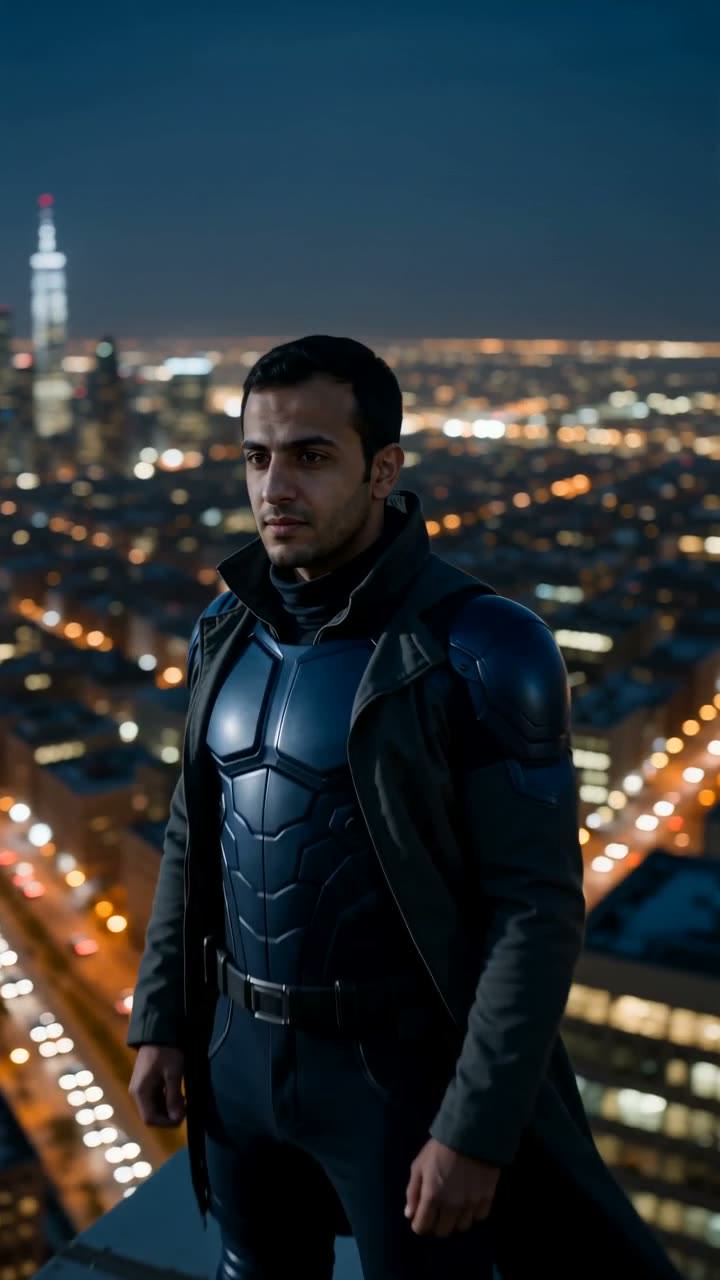
- Event plannersAI video for event planners: a short film starring the guest of honor, made from one photo and sized 16:9 for the big screen at a gala or milestone party.Event planners
- MusiciansAI video for musicians: a short visual for a release, a teaser or a show post, made from one photo. Add your own song afterward in the editor you use.
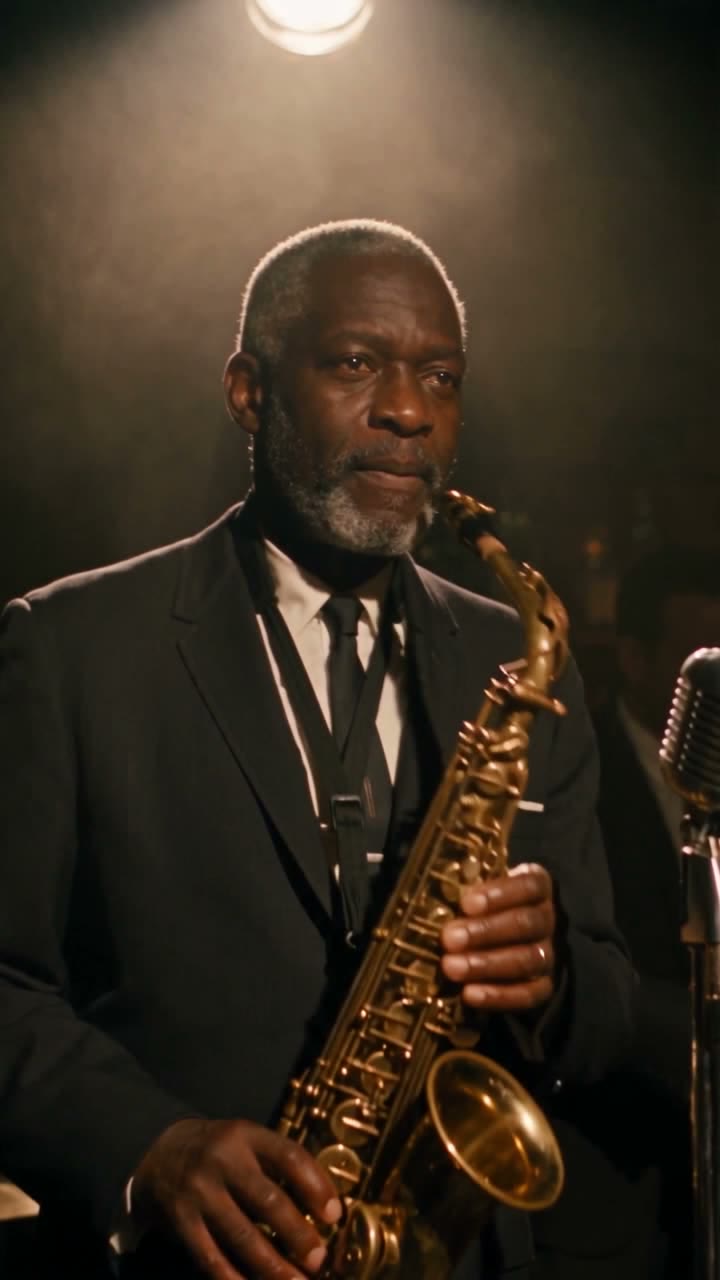
- PodcastersA podcast teaser video with the host inside the episode's topic: a heist, a voyage, a jazz club. A five-second picture to put under your best audio.Podcasters
- Real estate agentsReal estate video ideas for your own feed: a five-second cinematic intro, a just-sold celebration or a funny seasonal post, starring you, not a listing.
- Small businessesSmall business video ideas for your social feed: the café owner in 1920s Paris, the baker on the Moon. A short video starring you, from one photo.
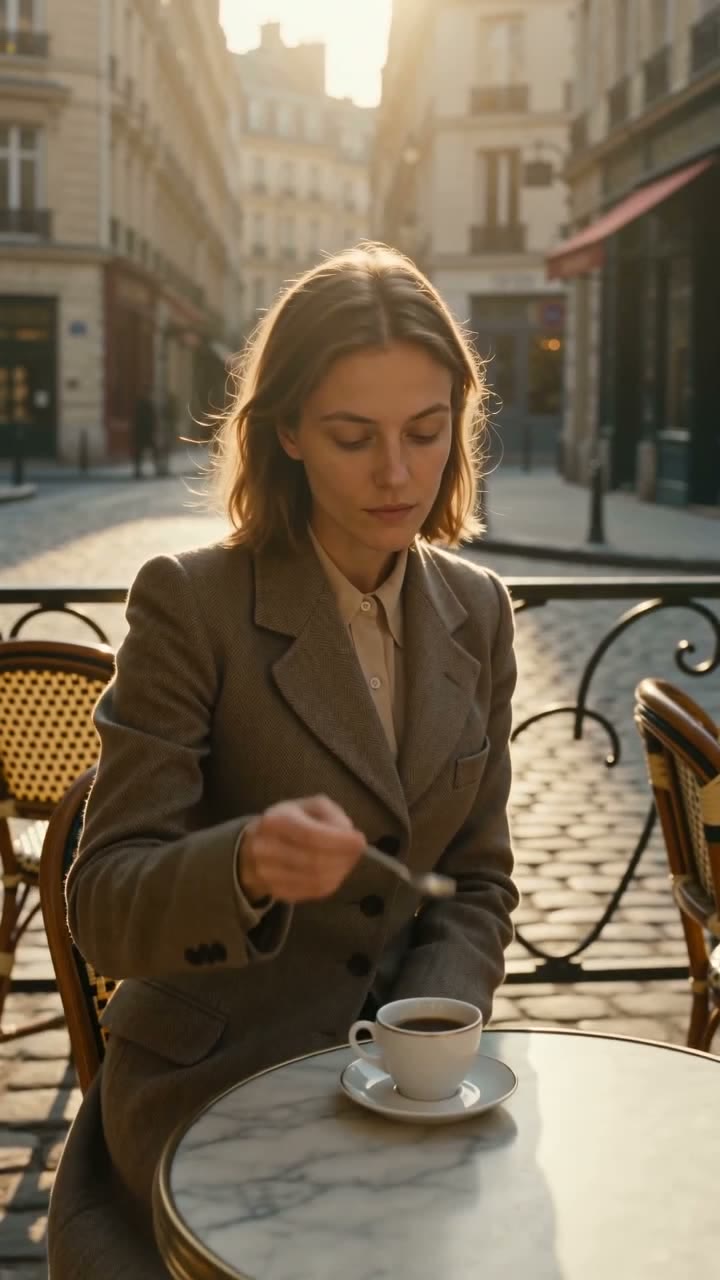
- TeachersLesson hook ideas for history and science: open class with a short AI video of you in a submersible, on the Moon or in a Roman market. No student photos.

One photo. Any scene. Your film.
Coming soon to iPhone: add one photo and pick a scene. Free to try, no account needed.
For iPhone.