Instagram Reels
How to Post an AI Video as an Instagram Reel or Story
To post a reel on Instagram from your iPhone, make the video 9:16 in vidmi, save it to Photos, then pick it in Instagram's Reel screen. Set the cover, sound, caption and AI label before you share.
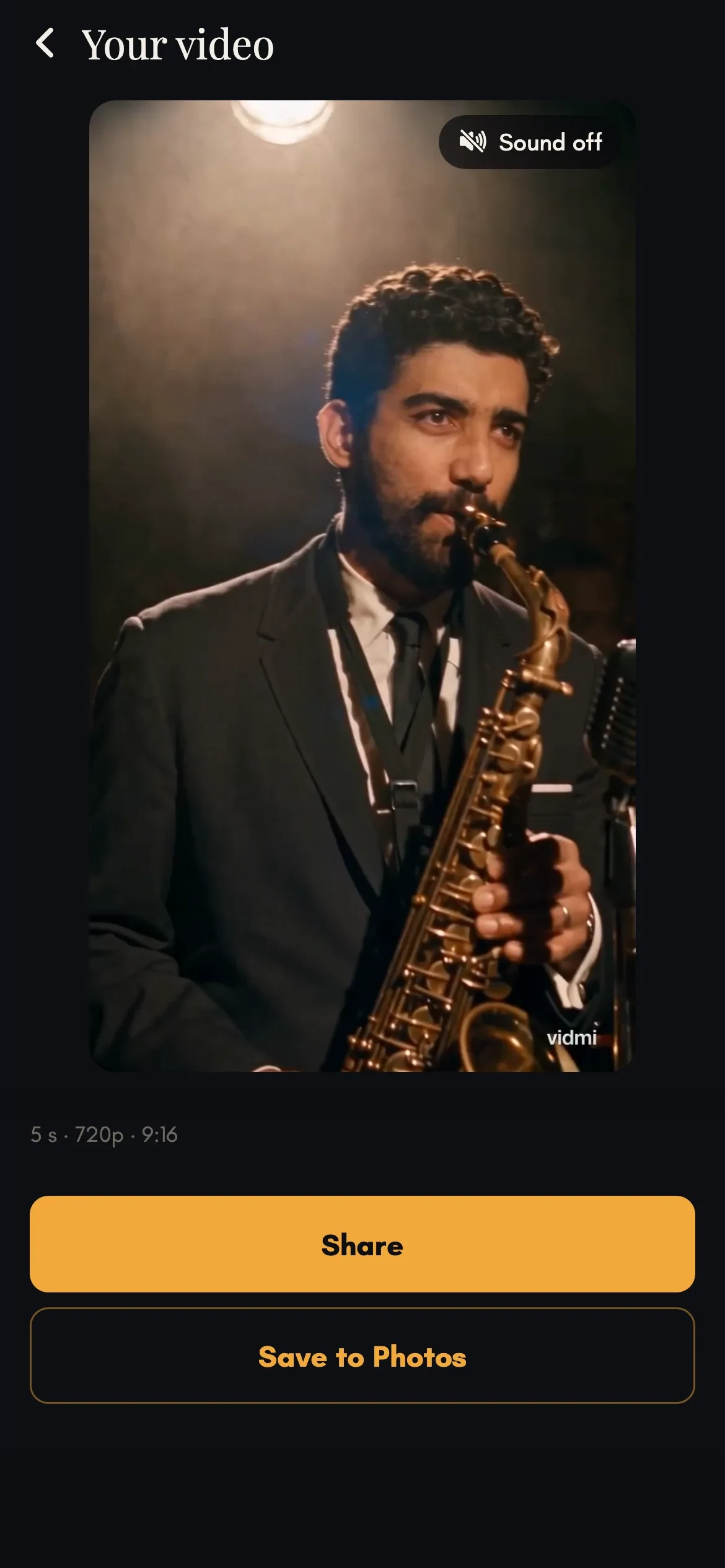
A reel is a vertical video, and a vidmi video already is one. It is 9:16 by default and 3 to 10 seconds long, so there is little to fix before you post.
Start with the right shape
For Instagram reel size, leave Shape on “9:16 Stories, Reels, TikTok” when you make the video and it should fill the screen, with no black bars. Choose 720p or 1080p under “Resolution” if you want more detail to work with.
A “1:1 Feed” video works too, but Reels and Stories may show bars around it. A “16:9 YouTube, TV” video will look small. If you already made one in another shape, see which shape fits which platform.
Two ways to get it there
Straight from vidmi. Open the video in your Library and tap “Share”. If Instagram shows up in the share sheet, tap it and choose where it goes.
From your Photos. Tap “Save to Photos” first. Then open Instagram, tap the plus button, choose Reel or Story, and pick the video from your camera roll. This route gives you Instagram’s own editing tools, and the video stays in your Photos for next time.
If you plan to post the same video in more than one place, save it once and post from Photos each time. vidmi does not post to Instagram for you: you finish the post in Instagram.
Posting a Reel
- Choose Reel and select your video.
- You rarely need to trim. A vidmi video is 3 to 10 seconds.
- Add text or stickers if you like. Keep them away from the bottom and the right edge, where Instagram’s caption and buttons may cover them.
- Tap Next, then set the cover, the caption and the settings below.
- Tap Share.
Pick a cover that shows the face
The cover is what people see on your profile and in the grid. Tap Edit cover and slide to the frame where the face is clear and the scene is easy to read at a glance.
Scrub through before you choose rather than taking the first frame. In Walking on the Moon, for example, a frame with the Earth above the horizon can make a clear cover.
Keep the face in the safe zone
Your profile grid shows each Reel cropped from the center, narrower than the full video. Anything at the far top or bottom can disappear in that preview.
If you write your own scene, you can mention a centered face in your sentence, though the app cannot promise where the face lands:
- “A close shot of me at the rail of a ship at dawn, my face centered in the frame.”
More on this in Video cropped on Instagram.
Sound
If you chose “Voices + sounds” or “Sounds only”, the video carries its own soundtrack. Leave Instagram’s music off and let the scene breathe: the crowd, the wind, the saxophone.
If you chose “Silent”, this is your moment to add a track from Instagram’s music library. Add your own music shows the options.
The caption
Short wins. Name who is in the video and where they are: “Grandpa, standing watch at dawn.” Then one line of feeling. For ideas, read how to write a caption.
The AI label
Instagram may offer an option to label content made with AI. If it does, look for it in the settings on the screen where you write your caption. Turning it on tells viewers the scene was made, not filmed, which is the honest frame for a video starring a real face in an imagined place. How to label AI video when you post covers the wording.
Posting a Story
Every vidmi video is short enough to fit in a single Story, so there is nothing to cut.
- Open Instagram, tap the plus button, and choose Story.
- Pick the video from your camera roll.
- Add a mention, a sticker, or a line of text. A quick note works: “Look where I ended up.”
- Share to Your story or to Close Friends.
A Story disappears after a day unless you save it to a Highlight. For videos of family, Close Friends is often the right room.
One last check
Watch the video once in Instagram before you post. Sound on, full screen. The small vidmi mark sits in the bottom-right corner, as it does on every vidmi video. If the face reads clearly, you are ready.
Want more ways to send it? See everything the Share button does, the guide to posting on TikTok, or AI video for Instagram.
Questions
Should I post a Reel or a Story?
Post a Reel when you want the video to stay on your profile. Post a Story when it is for your friends today, like a birthday surprise. You can do both with the same file.
Why does my video look cut off on my profile?
The profile grid shows a cropped preview of every Reel. The full video still plays when someone taps it. Keep the face near the center so the preview is less likely to cut it off.
Can I add music on Instagram?
Yes. If you chose "Silent" in vidmi, Instagram's own music picker fills the quiet. If your video already has sound, lower it or keep it, your call.