For readers
AI Video for Book Lovers: Step Into the Kind of World You Read
Need BookTok video ideas? Add one face photo, type one sentence, and get a short film of you in the kind of world you read about. One face per video, no words on screen.
You already know the world
Readers build the castle in their heads, down to the damp on the stairs. You know how the lamplight falls in the detective’s office.
vidmi lets you stand in it. You add one photo of a face, describe the scene in a sentence, and get a short film of 3 to 10 seconds starring that face.
It works on an iPhone, with no account and no sign-up. Try it free. The film is a new scene starring you, with no title card or caption on screen, so your words go in the post.
Pick your shelf
Every reader has a home genre. Start there.
- Gothic and romance: “me in a long dark coat on the steps of a misty castle at dawn, holding a lantern”
- Mystery and noir: “me in a trench coat under a streetlamp in a rainy 1940s city at night, checking a pocket watch”
- Fantasy: “me in a green traveling cloak, walking into a forest of giant glowing mushrooms”
- Science fiction: “me at the window of a starship, watching a ringed planet turn slowly outside”
- Cozy: “me in an armchair in a tiny bookshop on a snowy evening, turning a page”
Type any of these into the box that says “Describe your scene in your own words”. Swap the coat, the weather, or the hour until it sounds like your shelf.
For more on each mood, see fantasy scenes, film noir scenes, and the list of fairy tale ideas.
Original worlds only
Keep it yours. Leave out book titles, author names, and character names.
You do not need them anyway. “A crooked library tower where the shelves go up into the fog” is not from any book. It is your world, and you are the first person to walk into it.
A good sentence names three things: who is in it, where they are, and what the light is doing. The guide on how to write a scene walks through it.
Book club night
Fun book club ideas are easier with a shared mood. Pick a theme that matches the month’s read. Do not name the book. Name the mood.
- A gothic month: everyone makes a film in the same haunted manor, each in a different room.
- A noir month: same rainy city, different street corners.
- A space month: same ship, different stations.
Each member uses their own photo, since a film starts from one photo with one face. The app’s photo tip is worth following: “One clear face, looking at the camera, good light. No sunglasses or group shots.”
Play the films before the discussion starts. Guess who picked the greenhouse and who picked the crypt.
For your bookish feed
Films come out vertical by default, in the “9:16 Stories, Reels, TikTok” shape, so they are the right shape for a BookTok clip or a bookstagram reel. A square “1:1 Feed” shape is there too. The guide to sharing to TikTok walks through the share sheet.
A few post ideas:
- Reader identity: “me as a ship’s librarian on a quiet starship deck” pinned to the top of your page.
- Current read, no spoilers: a film of the setting with you in it, and your thoughts in the caption.
- Seasonal reading list: a foggy moor for October, a snowed-in cabin for January.
Choose “Sounds only” under “Sound” if you want rain on the window and no voices. Choose “Silent” if you plan to talk over it in your caption instead.
Every video carries a small vidmi mark in the bottom-right corner.
Try it tonight
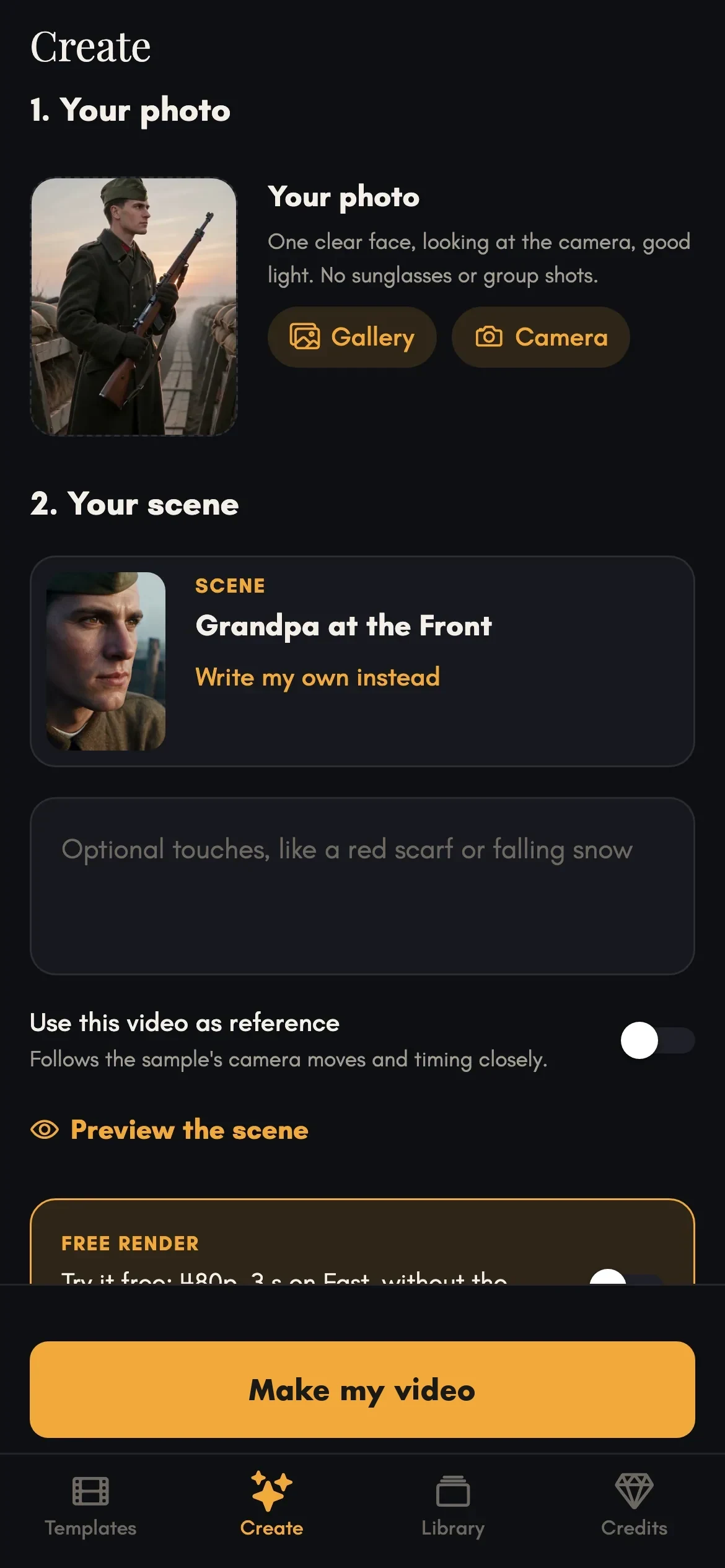
- Open the Create tab and tap “Add a face photo”. Pick one from your gallery or take a new one.
- Tap the scene box and type: “me in a velvet coat, climbing a spiral staircase in a library tower, candles lit along the wall”
- Tap “Preview the scene” if you want to read what the film will show before you make it.
- Choose a length and a shape, then tap the button at the bottom.
You can leave the screen while it films. The app notifies you when your video is ready, and it lands in your Library. Tap “Share” to send it to the group chat or “Save to Photos” to keep it.
Then tap “Make another” and try the same staircase in a storm.
New to the app? Photo to video explains the whole idea, and the best photo guide helps you pick a face photo that works.
Questions
Can I make a scene from a specific book?
Build your own world instead. Leave out titles and character names and describe the kind of place you love in your own words, like a lighthouse library in a storm or a candlelit ballroom at midnight.
Can my whole book club be in one video?
No. Each film starts from one photo with one clear face. Have every member make their own and trade them in the group chat.
Can I add a quote or a caption on the video?
vidmi does not add text or captions to a film. Write your caption in the app where you post it.
Do I need an account?
No. There is no sign-up. Open the app, add a photo, and start.