Back to school
Back-to-School AI Video From the First-Day Photo
Make a back to school video from the first-day photo on your iPhone. It is a new short scene starring that face, one person per film. For parents of teens and college freshmen.
The first-day photo, with a plot
You know the photo. Front step, new backpack, a smile that says “can we go now.” It gets posted, liked, and buried by lunch.
This year, give it five seconds of story. vidmi is an iPhone app that makes a short film from one photo of a face and a sentence you write. It is a new scene starring that face, not the photo itself moving, and it is one person per video.
A back to school video made this way is ready for the family chat the same morning. Try it free. The best photo guide shows what makes a first-day photo work.
Three films to try this week
Move-in day, the wide shot
Your daughter is 18 and her whole life is in the back of the car. Take one clear photo of her in the parking lot. Then open the Create tab, tap “Describe your scene in your own words,” and type:
- “my daughter carrying a box up the steps of an old brick dorm on move-in day, golden light, leaves falling”
Send it to the grandparents before the mini fridge is even plugged in. The iMessage sharing guide covers the share sheet.
Your own first day
The easiest photo to use is yours. Take a selfie and type:
- “me walking down a 1980s high school hallway with a backpack, lockers on both sides, morning light through the doors”
Drop it in the family chat the night before school starts. No caption needed. Your teen will have opinions, and that is the point.
One small step for a freshman
College is a new planet. Say so.
Pick the Walking on the Moon scene on the Templates tab, add your son’s photo, and use the “Customise” box to add a touch like “a backpack over one shoulder.” For more scenes in that direction, see space ideas.
Make it a tradition
The first-day photo works because you take it every year. A first-day film can work the same way.
- Same scene, new year. Use the same sentence every fall. Freshman year through graduation becomes a set.
- Same person, new era. Year one in a 1920s schoolhouse, year two on a ship’s deck with a spyglass, year three on the Moon.
- Parent versus student. One film of you, one of them, same scene, and the family chat votes.
Save each one with “Save to Photos” so the set stays in your camera roll.
How to make one on a busy morning
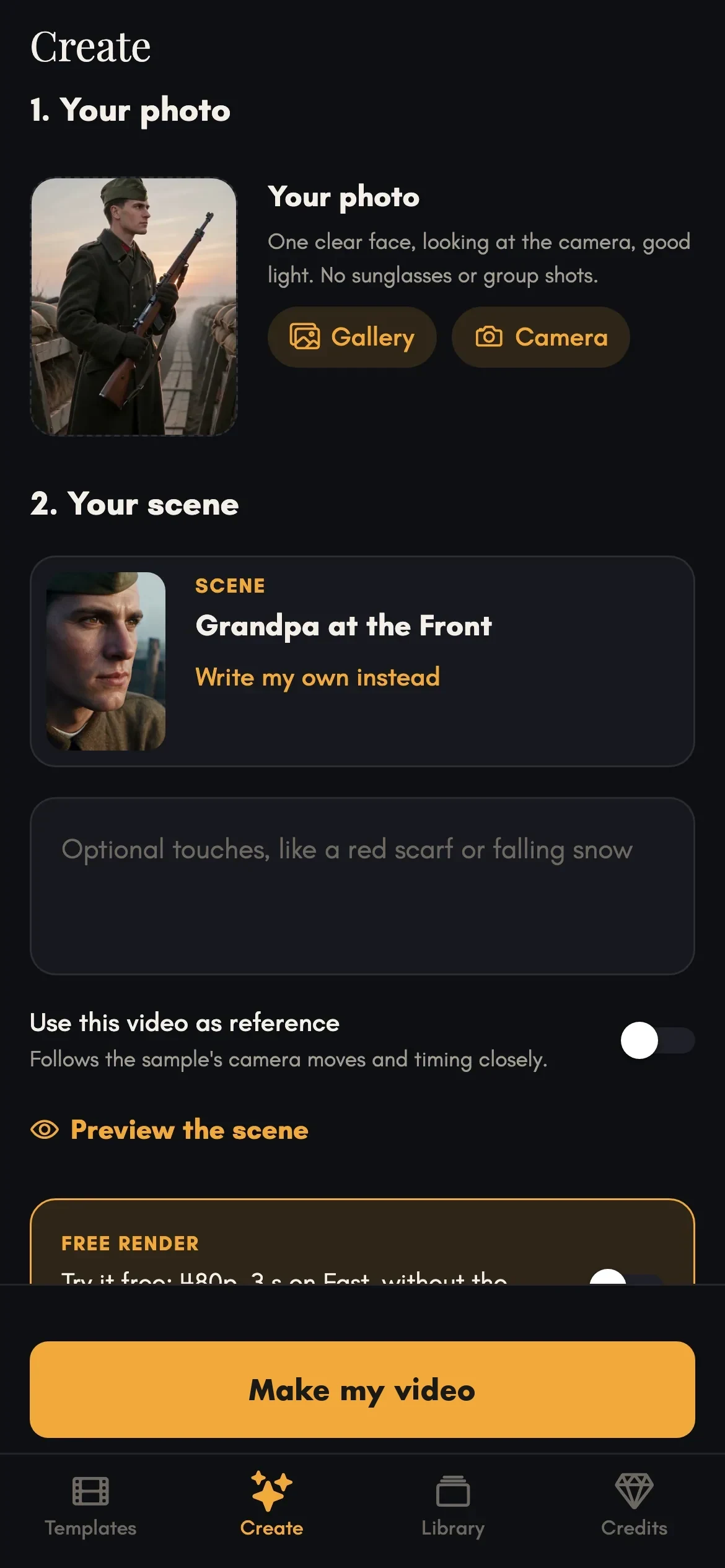
- Under “1. Your photo,” tap “Gallery” or “Camera.” The app’s own tip is the one to follow: “One clear face, looking at the camera, good light. No sunglasses or group shots.”
- Under “2. Your scene,” type your sentence. Tap “Preview the scene” to read what the film will show before you make it.
- Leave “Shape” on “9:16 Stories, Reels, TikTok” for phones. Pick “16:9 YouTube, TV” if the family watches on the living room screen.
- Tap the button and get on with the morning. The app says, “You can leave this screen. We’ll notify you when your video is ready.”
A short film on Fast is “Usually 1 to 3 minutes.” You can start it at the curb and share it from the pickup line.
New to vidmi? It is free to try, and there is no sign-up. After that, you buy credits in the app and pay only for what you make.
A note on whose photo you use
Use photos you have the right to use. It is a keepsake for your own family, so choose a photo you are proud to share.
If you are thinking about a photo of a younger child, read photos of children before you start. When in doubt, star in it yourself.
More for the school year
College students making their own films for a club, a class, or a dorm group chat can start with vidmi for students. Teachers planning a welcome-back clip of themselves for the first week can head to vidmi for teachers.
Questions
Can I put the whole family in one film?
No. One photo, one face, one film. Make a film per person and send them one after another.
Can the film show "First day of senior year" on screen?
vidmi does not add text to a video. Put the line in the message you send with it, or in the album caption.
Does a back-to-school film have sound?
You choose. "Voices + sounds" adds people and the sounds of the scene, "Sounds only" keeps just the scene, and "Silent" has no sound track. You cannot pick the exact words anyone says.
Can I use a photo of my younger child?
A parent can, as a family keepsake, with a photo you have the right to use. Read our page on photos of children first. The ideas on this page are written for parents of teens and college freshmen.