Video Projects: Birthdays, Cards, Short Films and Series
Each vidmi video is 3 to 10 seconds and stars one face. A project is the plan around it: the photo, the scene, the reveal, or several videos joined in iMovie.
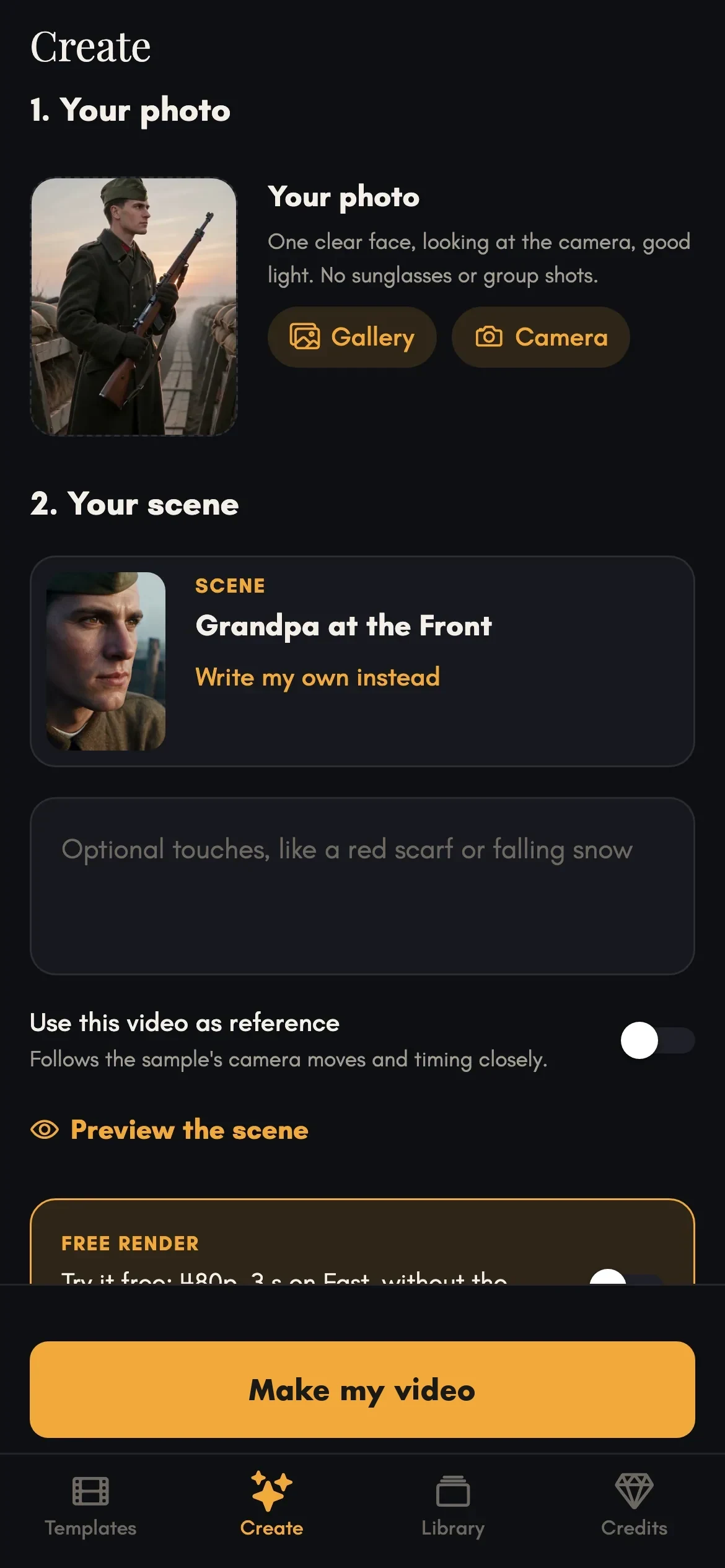
A video for someone
How to make a video for someone comes down to three choices: whose face, which scene and when they see it. Pick one clear photo of them, pick a scene that fits them in the vidmi app on your iPhone, and make the film a day early so there is time to try a second scene. Use a photo you have the right to use.
Two guides do this start to finish. How to make a birthday surprise plans the photo, the scene and the moment. How to make a video Christmas card sends one film, starring one person, to everyone on your list, with your greeting in the message beside it.
For a remembrance, how to make a memorial video covers one calm scene from one photo. If this is your first video, how to make an AI video has every step.
A longer piece from short videos
Each vidmi video is one short scene, so a longer piece is several of them in order. Plan a three-scene short film gives you the plan, and how to combine clips in iMovie puts them together on your iPhone.
A series
A series is one photo in a new scene each time, week after week. How to make a series shows what to keep the same: the photo, the settings and one signature detail. That steadies the look. It does not guarantee that two videos match.
The reveal
The film lasts a few seconds, and so does the best part: their face when it starts. How to film the reaction covers where to put a second phone and when to start recording.
8 guides.
All guides- Combine clips in iMovieHow to combine videos on iPhone with iMovie: put several short vidmi clips in order, trim them, add a title and one song, and export one longer video.
- Film the reactionHow to film a reaction video when you show someone their surprise: where to put the phone, the light, when to start recording and when to keep it private.
- Make a birthday surprise videoHow to make a birthday video that surprises them: get the photo, choose a scene they would never expect, set it up for the TV and plan the reveal.
- Make a memorial videoHow to make a memorial video scene from one photo: choose the portrait, a calm setting and the sound, then add the short clip to a service slideshow.
- Make a seriesA method for a consistent character in AI video: one photo, fixed settings and a signature detail in every scene. It steadies a series, with no guarantee.
- Make a video Christmas cardHow to make a video Christmas card: one family photo becomes a short winter scene, sent to everyone on your list by text or email.
- Plan a three-scene short filmHow to make a short film with AI on iPhone: plan three scenes, make each one as its own short vidmi video from the same photo, then join them in iMovie.
- Turn an old photo into a videoHow to animate old photos on an iPhone, step by step: scan the print, pick a scene that fits the person, choose the sound, and save a new short video.
One photo. Any scene. Your film.
Coming soon to iPhone: add one photo and pick a scene. Free to try, no account needed.
For iPhone.