Holidays far from home
Far From Home for the Holidays: What a Short Video Can Carry
Spending Christmas away from family is hard. A five-second video with a familiar face can help it feel like you showed up, though it cannot say the words for you.
The hard part of a holiday away is not the big dinner. It is the small stuff. Your dad untangling the same string of lights. Your grandmother’s kitchen at four in the afternoon. The chair that is yours.
A video call helps, and then it ends, usually while someone is still looking for the unmute button. A card helps too. This is a third thing to send: a five-second film with a familiar face in it.
Some years the flight is too long, the shift won’t move, or the baby is due. Celebrating Christmas long distance mostly comes down to small, specific things like this, sent on purpose.
What a short film can carry
It will not replace being there, and it should not try. What it can do is give the people you miss something to watch twice, pass around the table, and argue about.
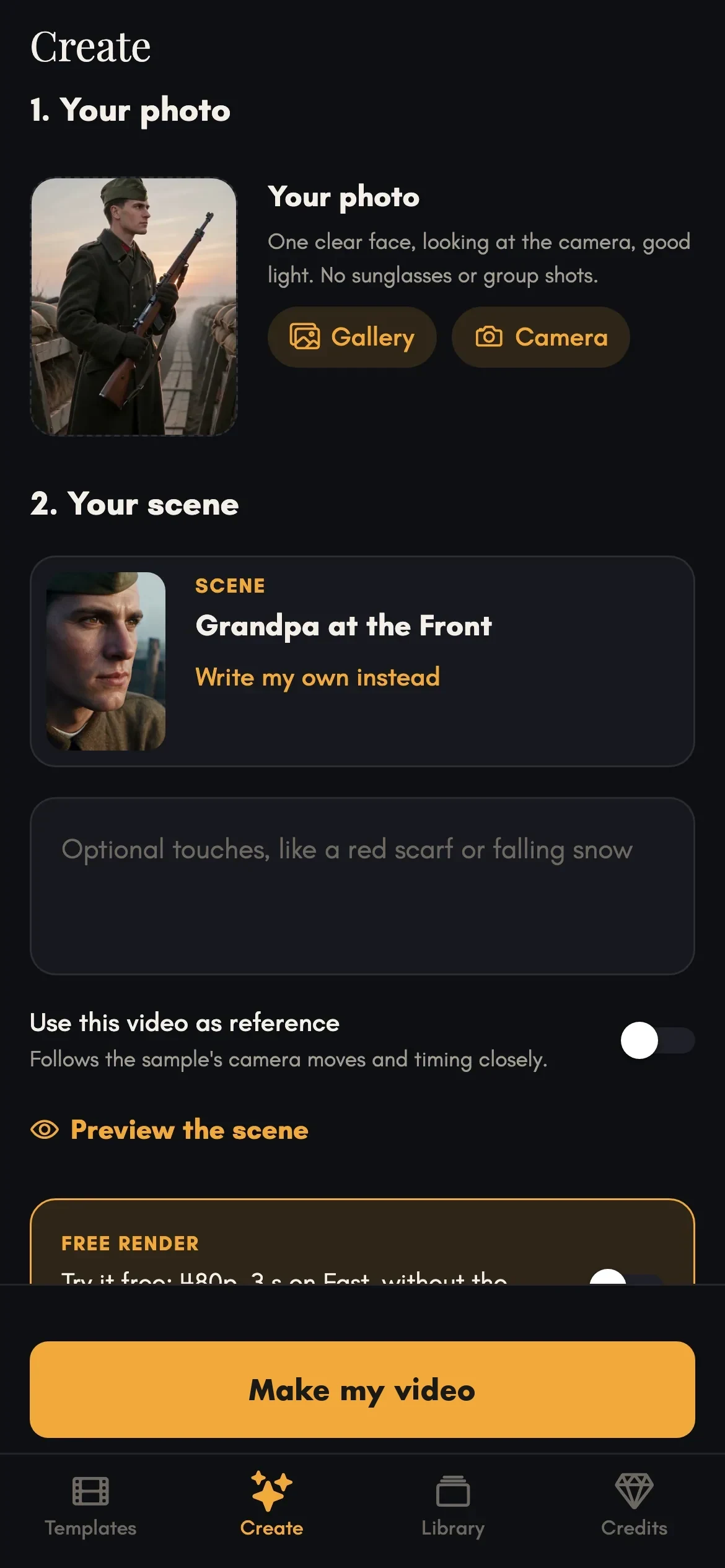
In vidmi you add one photo of a face, describe a scene in a sentence, and get a short film starring that face. On the other end, it lands as a small surprise in the family chat.
Start with a tradition, not a greeting
The films that hit home are specific. Skip “happy holidays from me” and write the thing your family actually does.
Try one of these. Open the Create tab, add your photo, and under “Describe your scene in your own words” type:
- “me carrying a Christmas tree home down a snowy street at dusk”
- “me lighting the menorah by a frosted window, candles glowing”
- “my mom pulling a tray of cookies from the oven in a warm kitchen”
If it is the tree, the stockings, and the morning chaos you are missing, there are more ideas on the Christmas page, and ten sentences to copy in Christmas video prompts. If your family counts the season in candles, start with Hanukkah films.
Send it both directions
Distance runs two ways. You can star in a film and send it home. You can also take a photo of someone back home and send them a film of themselves.
Picture your grandfather opening a message to find himself in a snow-covered cabin, feeding a fire. Or use a ready-made scene: Paris Café, 1920s is “A terrace table, a cup of coffee, the street going by,” and the “Customise” box takes touches “like a red scarf or falling snow.” That is a winter scene with your aunt in it.
One ground rule. Use photos you have the right to use, and choose a clear one. The app’s own tip is the honest guide: “One clear face, looking at the camera, good light. No sunglasses or group shots.”
Make it a ritual
One film is a nice gesture. A habit is a tradition.
- Eight nights, eight films. Send one short scene each night of Hanukkah, each with a different relative in it.
- A countdown. One film every Sunday in December until the day itself.
- A swap. You send one from your city. They send one from theirs.
Each film is 3, 5, 7, or 10 seconds, so nobody needs to set time aside to watch.
Small choices that matter
- Shape. “9:16 Stories, Reels, TikTok” suits the family chat. If the film is going up on the living room screen during dinner, pick “16:9 YouTube, TV.”
- Sound. “Sounds only” keeps the sounds of the scene and drops the voices. “Silent” works when you plan to talk over it on a call.
- Timing. Make it a day ahead so you can watch it before you send it. You can leave the screen while it films, and the app tells you when “Your video is ready.”
It is free to try, so your first attempt can be a rehearsal.
Pair it with words
A film says “I was thinking of you.” It does not say what you were thinking. Add two lines of your own when you send it: the memory behind the scene, or what you will cook together next year.
For a step-by-step version of this, the holiday card video guide walks through a full greeting from photo to send. If you are far from someone all year, not only in December, see long-distance videos. More essays are on the blog.
Your chair at the table will be empty this year. Send something to sit on the screen beside it.
Questions
Can I put the whole family in one film?
Each film stars one face from one photo. For a family, make one short film per person and send them together.
How do I send it to relatives?
Tap "Share" to open the iPhone share sheet and pick Messages, WhatsApp, or whatever you already use. "Save to Photos" keeps a copy on your phone.
Will the film use my real voice?
No. With "Voices + sounds" the scene can include generated voices and the sounds around them, but there is no voice upload and you can't choose the exact words. For a message in your own words, add a text or a call.