Zombie survival
Zombie AI Video Prompts: 12 Apocalypse Survival Scenes
Twelve zombie apocalypse prompts to copy into vidmi with one photo of one face. Each is a single tense moment of 3 to 10 seconds, with more suspense than gore.
12 scenes to try.
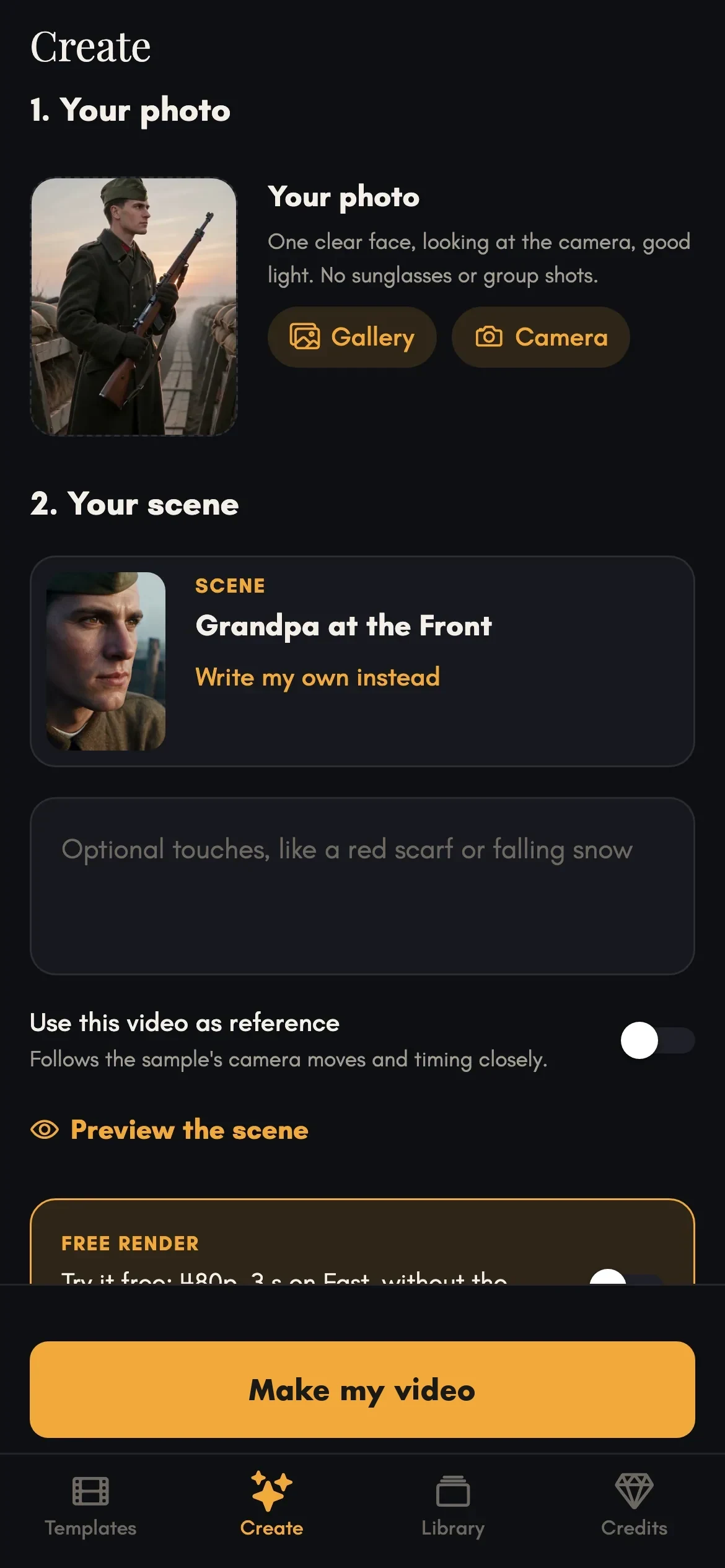
Copy one, open vidmi and paste it into “Describe your scene” on the Create tab. If a scene is already chosen there, tap “Write my own instead” first. Then add a photo.
- 01
The barricaded mall
Me inside an abandoned shopping mall at night, sliding a heavy shelf against the glass doors, flashlight in my hand, slow shapes drifting through the fog outside
Keep the threat outside the glass. A shape in the fog is scarier than a close-up.
- 02
The empty highway
Me walking down the middle of an empty highway at dawn, abandoned cars on both sides, a backpack on my shoulders, mist hanging over the road ahead
Try the 16:9 shape here. A long road wants a wide frame.
- 03
The rooftop radio call
Me on a city rooftop at sunset, speaking into a handheld radio, smoke rising far away, the streets below completely still
Pick "Voices + sounds" if you want the scene to carry a voice and the wind.
- 04
The last can on the shelf
Me creeping down a dark supermarket aisle with a flashlight, empty shelves, one can left, a shadow shuffling past the far end of the aisle
- 05
Boarding up the farmhouse
My dad nailing a board across a farmhouse window at dusk, lantern light inside, a cornfield swaying outside in the wind
A great one for a dad who has fixed everything in the house already.
- 06
The subway tunnel
Me walking through a dark subway tunnel holding a red flare above my head, red light on the tiled walls, water dripping, nothing else moving
Name the light source. A single red flare tells the scene what color to be.
- 07
Standing watch on the wall
My brother standing watch on top of a wall built from old buses, binoculars raised, sunrise behind him, a quiet ruined city in the distance
- 08
The gas station stop
Me filling a fuel can at an overgrown gas station, looking over my shoulder, a rusty sign creaking in the wind
Choose "Sounds only" and let the creaking sign do the work.
- 09
The rescue helicopter
Me on a hospital rooftop at night waving a bright flare at a rescue helicopter, wind whipping my jacket, the dark city below
This is your hero shot. Spend the 10 s length on it.
- 10
Safe behind the fence
Me sitting by a small campfire inside a fenced survivor camp at night, a dog asleep beside me, string lights overhead, a watchtower in the background
End a series on this one. Every survival story needs a breath.
- 11
The overgrown street
Me standing in the middle of an overgrown city street, vines climbing a dead traffic light, a rusted bus tilted at the curb, soft morning light, birdsong and wind
No monsters needed. Nothing moving is the whole mood.
- 12
The long desert road
Me walking down a long desert road at golden hour, a faded billboard behind me, a water jug in my hand, heat shimmer on the asphalt, a dust cloud far in the distance
Try the 16:9 shape here too. The empty horizon does the work.
Suspense first, monsters second
The scariest part of a zombie story is rarely the zombie. It is the empty street. The door that will not quite close. The radio that finally answers.
That is good news for a short film. You have 3 to 10 seconds, so you only need one tense moment, and you are the one standing in it.
Every prompt above is a single sentence for a zombie AI video: type it into the “Describe your scene in your own words” box on the Create tab and add one clear face photo. vidmi is an iPhone app, and it makes a short film starring that face. Each scene stars one person, and you cannot choose what anyone says.
How to build a survival scene
A scene that works usually has four parts. Say them in plain words.
- Who. “Me,” or someone you love: “my dad,” “my brother,” “my sister.”
- Where. A place everyone knows, gone quiet. A mall, a highway, a school gym, a pharmacy.
- What they are doing. One small, careful action. Sliding a shelf. Raising binoculars. Listening at a door.
- The mood. Time of day, weather, and one light. Dawn mist. A red flare. A lantern in a window.
Keep the danger at a distance. A slow shape at the end of the aisle, a shadow crossing the fog, a far-off sound. Atmosphere does more than anything graphic could, and it keeps the film about the survivor.
For more on wording, see how to write a scene and words that set the light. If you are new to the app, the AI video generator page shows the whole flow.
Try this one
Open the Create tab. Add a selfie with good light and no sunglasses. Then type:
Me walking down the middle of an empty highway at dawn, abandoned cars on both sides, a backpack on my shoulders, mist hanging over the road ahead.
Tap “Preview the scene” if you want to read, in words, what the film will show before you make it. New to vidmi? You can try it free: 480p, 3 seconds, on Fast. Three seconds of an empty highway is plenty.
Pick the sound on purpose
Sound carries half the fear, so choose it deliberately.
- “Sounds only” suits most of these scenes. The app describes it as “Only the sounds of the scene”, with no voices. Name the sound you want in your sentence: wind, a creaking sign, dripping water.
- “Voices + sounds” fits the radio call and the helicopter rescue, where a person might shout or speak. You cannot choose the exact words anyone says.
- “Silent” is right if you plan to lay your own eerie track over the film later. Add your own music walks you through it.
After the end: wasteland scenes with no zombies
The last two prompts drop the monsters completely. The overgrown street and the long desert road are what an apocalypse video looks like when the story is the quiet afterward: vines over traffic lights, a billboard fading in the heat, one person walking.
Use them as an opener before the tense scenes, or as the calm ending after the campfire. They also work alone as a post-apocalyptic clip. Name the light and one sound, such as wind or birdsong, and leave the rest empty.
Turn twelve scenes into one story
Each idea is one moment, and a few of them in a row read as a story. Start with the empty highway, hide in the mall, call from the rooftop, and finish by the campfire. Add the overgrown street as a last, quiet shot.
Use the same photo each time so every scene stars the same face. Save each film to Photos, then share them as a series through October on TikTok, Instagram Reels, or YouTube Shorts.
If Halloween is the deadline, Halloween scene ideas has more. For a scarier register, see horror scene ideas, and horror films with vidmi covers the whole genre.
If a scene can’t be made
Sometimes the app tells you an idea can’t be made. It says so before anything is charged: “Let’s try a different idea … You haven’t been charged.”
The app’s own advice is “Change a few words and preview again.” Your photo and your choices stay as they are, so you only rewrite the sentence. Content that can’t be made explains what to do next.
Browse movie genre ideas when you are ready for a different genre.
Questions
Can I put two people in one zombie video?
No. Each video stars the face from one photo. For a friend or a sibling, make a second video with their photo.
Can the survivor say a line I write?
No. With "Voices + sounds" a person in the scene may shout or speak, but you cannot choose the words. For a quiet scene, pick "Sounds only".
How long is a zombie scene?
3, 5, 7, or 10 seconds. One tense moment fits well, such as a barricade, a flare, or an empty road.